
Video content rules the internet in 2025. From YouTube creators and TikTok influencers to businesses and educators, AI video tools 2025 are completely changing the way professionals create and edit videos. No longer do you need expensive editing software or a full production team—AI makes video creation faster, more affordable, and more professional than ever before.
In the past, producing a single high-quality video could take hours—or even days—of shooting, editing, and rendering. Today, AI video editors and generators can cut silences, add captions, create animations, generate avatars, and even turn blog posts into fully branded videos in just a few minutes. This makes it possible for anyone—whether a beginner or an experienced content creator—to deliver professional-level videos without advanced technical skills.
These tools are not only time-saving but also cost-effective. Small businesses can now produce polished ads without hiring an agency. Marketers can repurpose existing content into short-form videos for Instagram Reels or YouTube Shorts. Even solo creators can compete with big-budget teams by letting AI handle editing, subtitles, and voiceovers.
The best part? The variety of options is endless. Whether you want an AI avatar to present your script, a simple text-to-video converter, or an advanced AI-powered editor, there’s a solution tailored to your needs.
In this guide, we’ll dive into the Top 15 AI video tools in 2025 that help you:
- Generate videos from text and scripts.
- Repurpose blogs and podcasts into short-form content.
- Automate editing tasks like cutting silences and adding subtitles.
- Create professional-level ads, reels, explainers, and training videos.
By the end, you’ll know exactly which tools fit your goals, whether you’re a YouTuber, marketer, small business owner, or social media creator.
Table of Contents
Why AI Is Revolutionizing Video Creation in 2025
AI is no longer just a buzzword—it’s the backbone of modern video creation. Here’s why:
- Time Savings: AI auto-edits, adds subtitles, and generates scripts in seconds.
- Cost Efficiency: Skip expensive editors and stock libraries. AI generates high-quality content instantly.
- Accessibility: No editing background? No problem. AI makes video creation drag-and-drop simple.
- Scalability: Produce dozens of branded videos daily without burning out.
This is why AI video tools 2025 are must-haves for creators, businesses, and marketers.
Top 15 AI Video Tools in 2025 to Create Pro-Level Videos Fast
Below is a curated list of the best tools, with key features, best use cases, and direct links.
1. Pictory
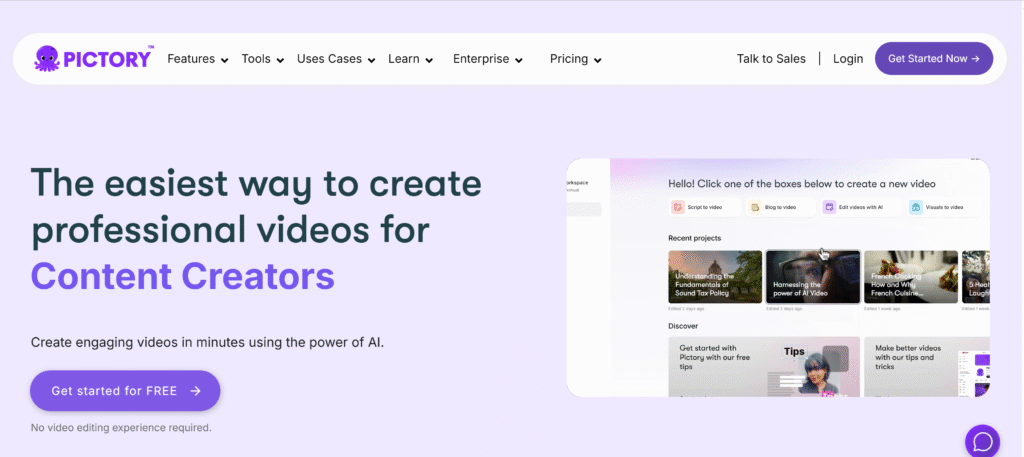
- What it does: Converts scripts and blog posts into branded videos.
- Best for: YouTube Shorts, TikTok reels, content repurposing.
- Key Features: Auto captioning, text-to-video, stock visuals.
- Plans: Free trial + Paid ($19/month).
- Website: pictory.ai
- Demo Video: Watch Pictory on YouTube
2. Synthesia
- What it does: Creates AI avatar videos with natural voiceovers.
- Best for: Corporate training, presentations, sales videos.
- Key Features: 140+ avatars, 120+ languages, customizable voices.
- Plans: Paid ($22/month).
- Website: synthesia.io
- Demo Video: See Synthesia in Action
3. Runway ML
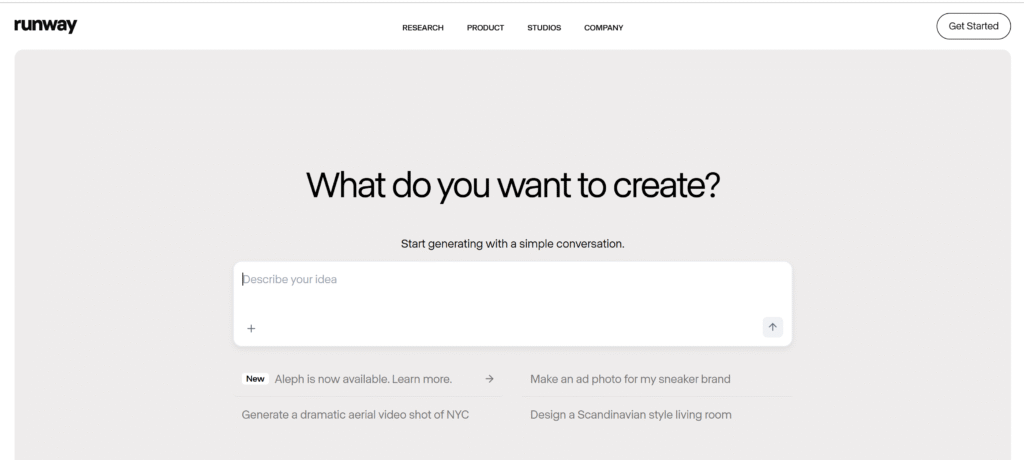
- What it does: AI video editing with motion tracking & background removal.
- Best for: Filmmakers, creative edits, TikTok creators.
- Key Features: Text-to-video, inpainting, green screen effects.
- Plans: Free + Paid ($12/month).
- Website: runwayml.com
- Demo Video: Runway ML Review
4. Descript
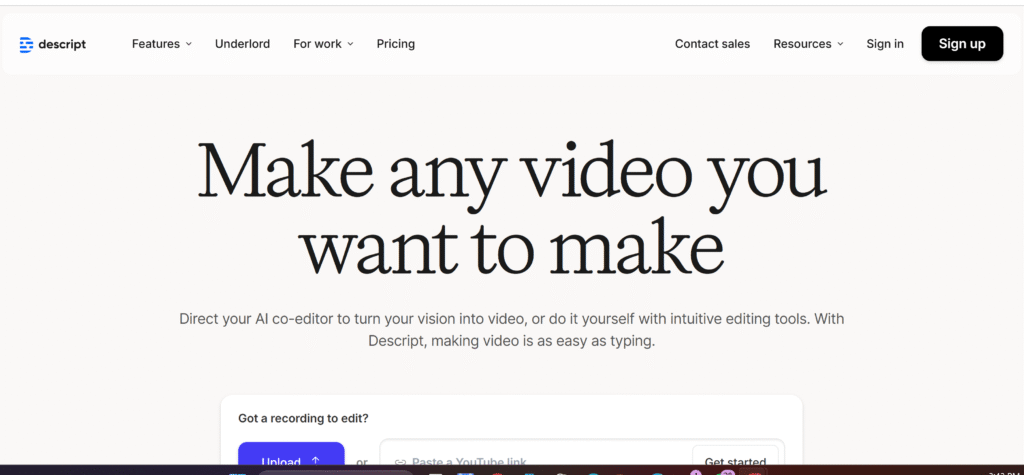
- What it does: Edit video by editing text. Perfect for podcasts + screen recording.
- Best for: YouTube tutorials, podcasts, vlogs.
- Key Features: Overdub voice cloning, screen recording, text-based editing.
- Plans: Free + Paid ($12/month).
- Website: descript.com
- Demo Video: Descript Tutorial
5. Lumen5
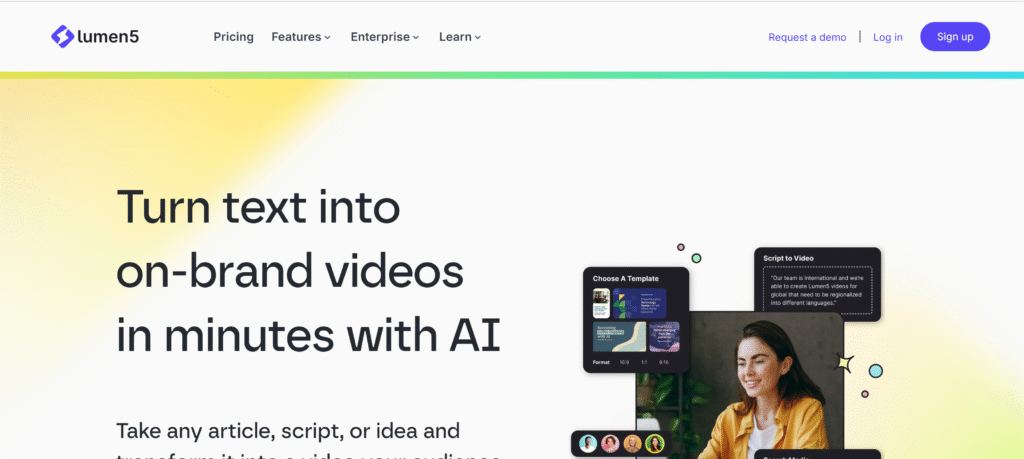
- What it does: Turns blog posts into shareable videos.
- Best for: Marketers, agencies, LinkedIn content.
- Key Features: AI scene selection, templates, branding tools.
- Plans: Free + Paid ($29/month).
- Website: lumen5.com
- Demo Video: See Lumen5 Demo
6. Veed.io
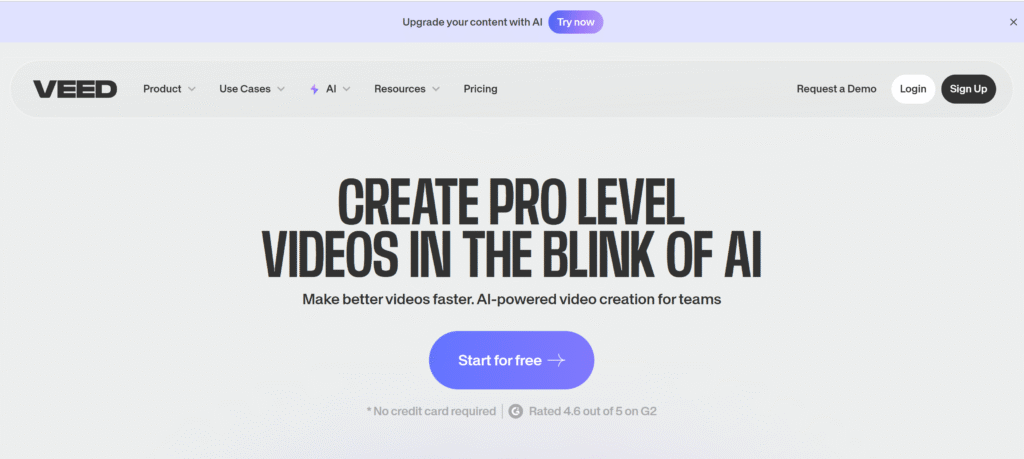
- What it does: Cloud video editor with AI subtitles and auto cuts.
- Best for: TikTok, Instagram reels, quick edits.
- Key Features: Subtitles in 100+ languages, background remover.
- Plans: Free + Paid ($18/month).
- Website: veed.io
- Demo Video: Veed.io Review
7. Wisecut
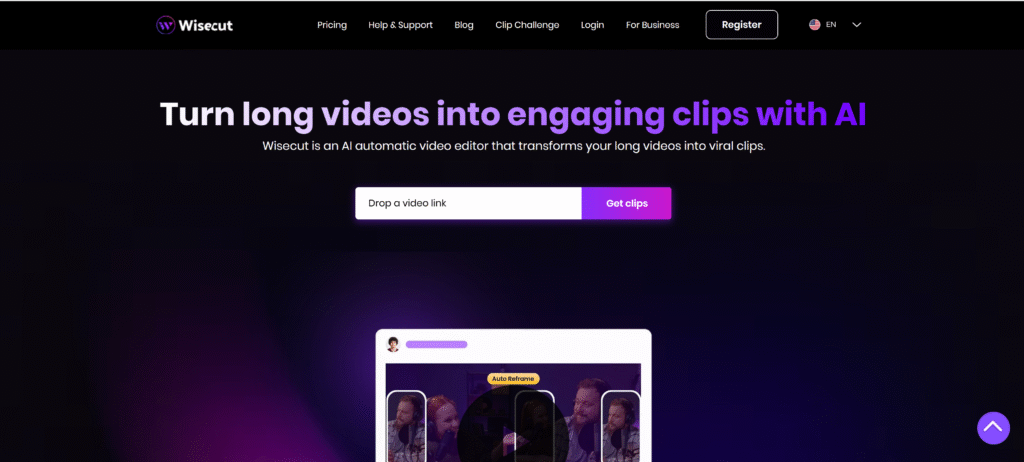
- What it does: Cuts silences, adds auto-subtitles, background music.
- Best for: YouTubers, educators, online courses.
- Key Features: Auto jump cuts, smart audio sync.
- Plans: Free + Paid ($10/month).
- Website: wisecut.video
- Demo Video: Wisecut Walkthrough
8. Animoto
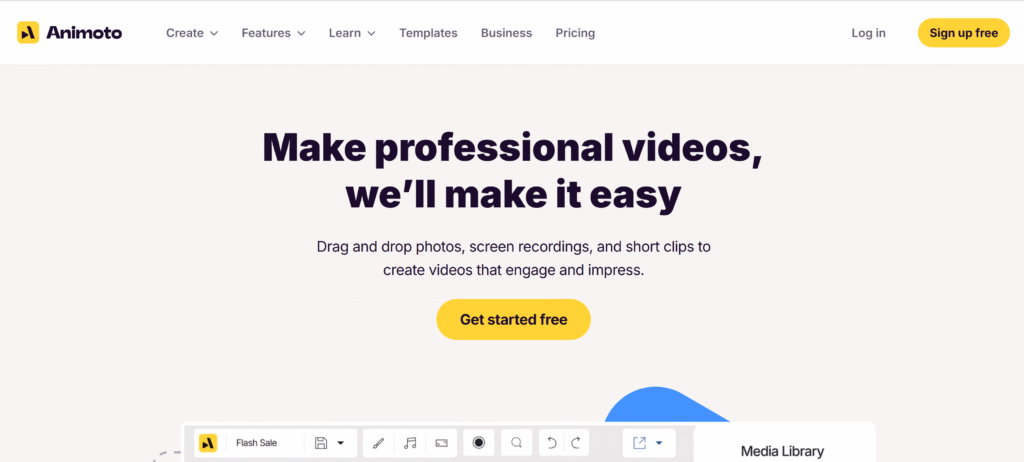
- What it does: Drag-and-drop video maker with AI templates.
- Best for: Social media marketing, brand videos.
- Key Features: Music library, branded storyboards, stock assets.
- Plans: Free + Paid ($15/month).
- Website: animoto.com
- Demo Video: Animoto Demo
9. HeyGen
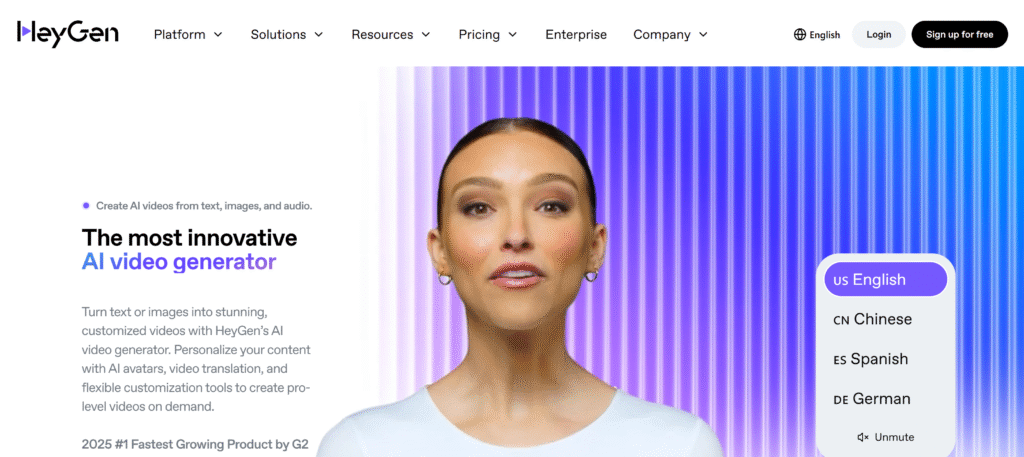
- What it does: AI face-swap presenter with voice cloning.
- Best for: Sales videos, influencer content.
- Key Features: Realistic avatars, script-to-video, multilingual support.
- Plans: Free + Paid ($30/month).
- Website: heygen.com
- Demo Video: HeyGen Demo
10. Fliki
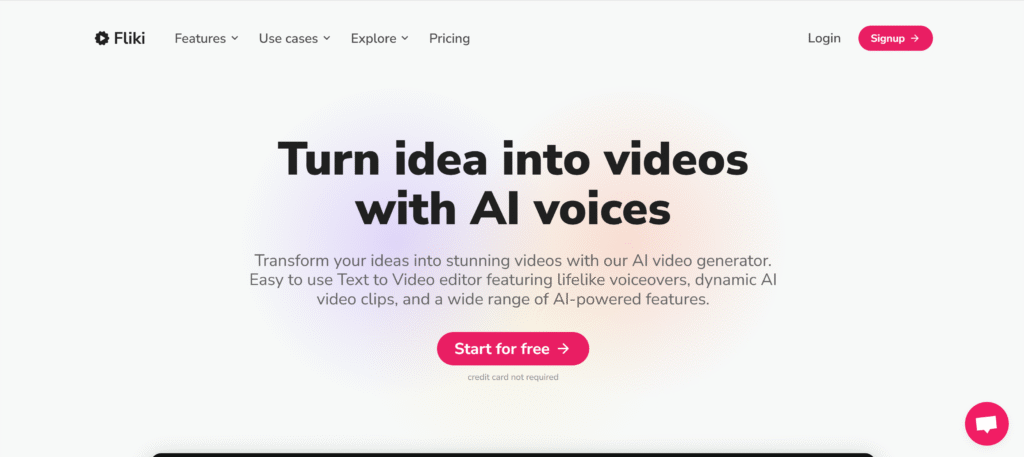
- What it does: Turns text into videos with natural voiceovers.
- Best for: TikTok, YouTube Shorts, audiobooks.
- Key Features: 200+ voices, subtitle sync, stock media.
- Plans: Free + Paid ($21/month).
- Website: fliki.ai
- Demo Video: Fliki Demo
11. Steve.AI
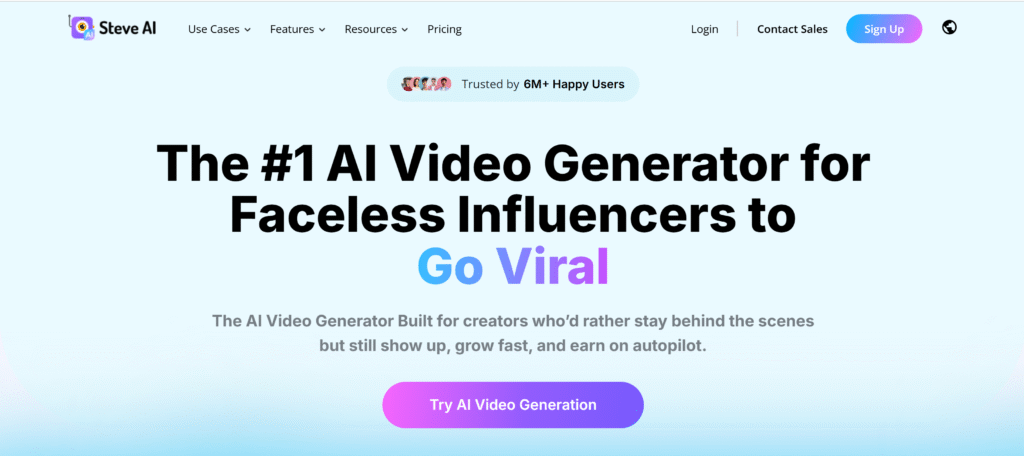
- What it does: Creates animated & live-action AI videos.
- Best for: Explainers, startups, teachers.
- Key Features: Script-to-video, animation generator.
- Plans: Free + Paid ($20/month).
- Website: steve.ai
- Demo Video: Steve AI Demo
12. Magisto (by Vimeo)
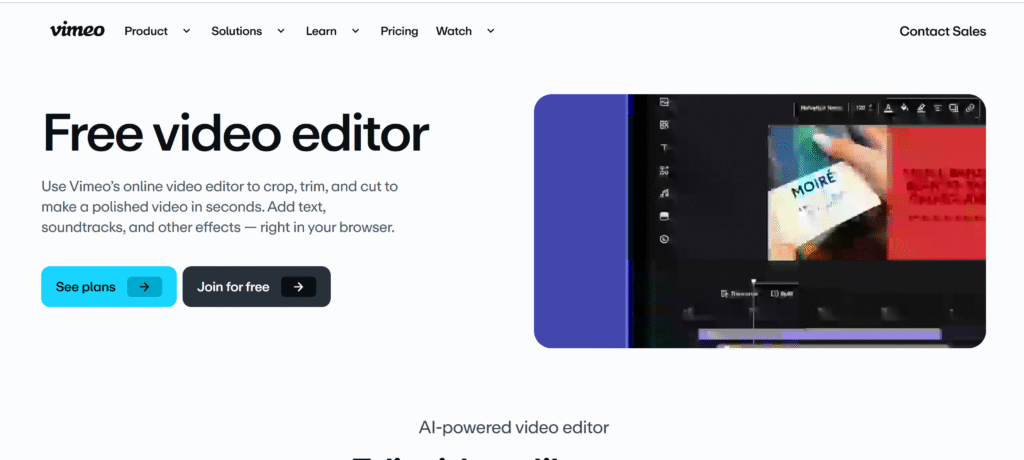
- What it does: AI-powered montage creator.
- Best for: Instagram ads, event videos.
- Key Features: Smart editing, royalty-free music.
- Plans: Paid ($9/month).
- Website: magisto.com
- Demo Video: Magisto Review
13. Kapwing AI
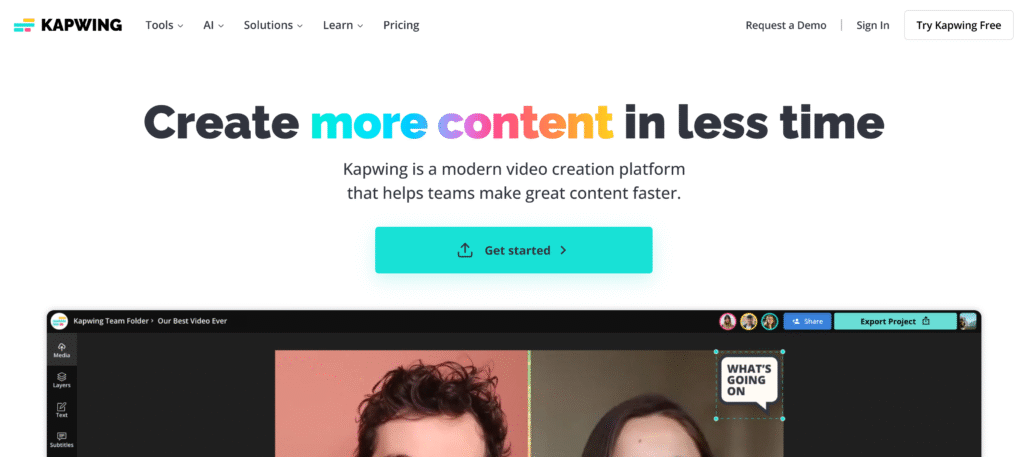
- What it does: AI repurposing tool with subtitle generator.
- Best for: Podcasters, social media managers.
- Key Features: Auto resize, captioning, templates.
- Plans: Free + Paid ($16/month).
- Website: kapwing.com
- Demo Video: Kapwing Walkthrough
14. Rephrase.ai
- What it does: Creates personalized video outreach.
- Best for: Sales, email campaigns.
- Key Features: AI avatars, CRM integrations.
- Plans: Paid (custom pricing).
- Website: rephrase.ai
- Demo Video: Rephrase AI Demo
15. DeepBrain AI
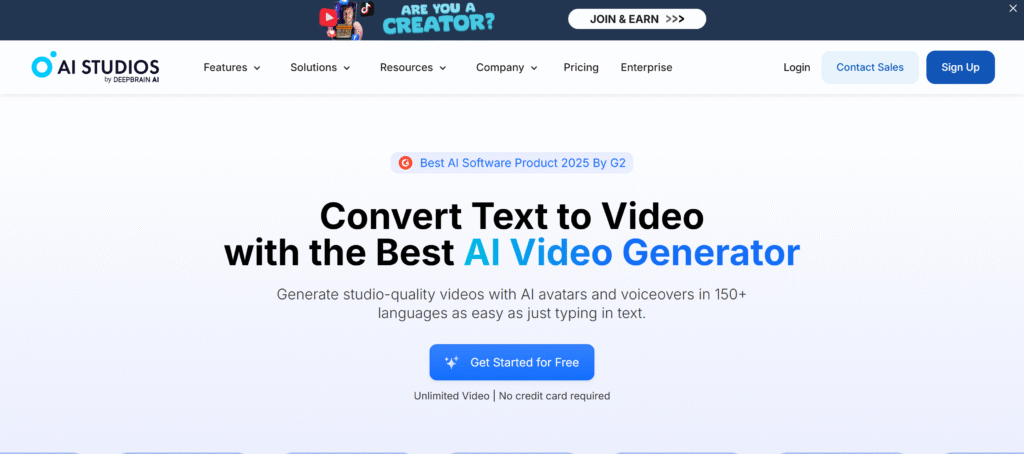
- What it does: Realistic AI avatars for business & education.
- Best for: E-learning, news anchors, presentations.
- Key Features: AI humans, multi-language support.
- Plans: Paid ($30/month).
- Website: deepbrain.io
- Demo Video: DeepBrain AI in Action
How to Choose the Right AI Video Tool for Your Needs
- For YouTubers: Try Descript, Pictory, or Wisecut.
- For Business & Training: Synthesia, DeepBrain AI, HeyGen.
- For Social Media Creators: Fliki, Veed.io, Kapwing.
- For Animations: Steve.AI or Lumen5.
👉 Explore related guides: AI for Content Creators | Best AI Tools List
How Creators Are Using These Tools to Go Viral
- TikTokers are repurposing long podcasts into Shorts with Kapwing AI.
- Marketers are saving ad spend by auto-generating product explainers with Animoto.
- YouTubers are scaling content with Pictory and Descript.
- Businesses are onboarding employees with Synthesia and DeepBrain AI avatars.The future of video creation is here. With AI video tools 2025, you can produce professional content faster, cheaper, and with less effort.
Pick 1–2 tools from this list.
Test them out this week.
Watch how your video workflow transforms.
FAQs
1. What’s the best free AI video tool in 2025?
Pictory, Veed.io, and Lumen5 offer strong free plans for beginners.
2. Can I make YouTube Shorts with AI?
Yes! Tools like Pictory, Fliki, and Wisecut are perfect for Shorts and TikTok reels.
3. Do AI tools support voice cloning or subtitles?
Absolutely. Tools like Descript (voice cloning) and Veed.io (subtitles) make it easy.
4. Is AI video editing legal for monetization?
Yes, AI-edited videos are legal for YouTube monetization as long as you own the rights to your content.
5. Which AI video tool is best for businesses?
Synthesia and DeepBrain AI are ideal for training, corporate, and professional communication.
That’s a fascinating point about creative outlets! I’ve been messing around with the Sprunki Game lately – surprisingly addictive way to de-stress & build something unique, even on my phone! It’s cool how accessible music creation is becoming.