
Why Students Are Turning to AI in 2025
In 2025, students are facing more academic pressure than ever — tight deadlines, packed schedules, and increasing demands for higher performance. To manage the workload and stay on top of their studies, many are turning to AI-powered tools. These tools offer practical support in organizing tasks, improving writing, understanding complex topics, and managing time more efficiently.
But it’s not just about convenience. Students are realizing that using AI tools for students responsibly can actually enhance learning. From generating study summaries to checking grammar and planning assignments, AI can help reinforce what you’re learning rather than replacing the need to learn.
Of course, ethical use is key. AI should never be used to cheat or bypass genuine effort. This guide will show you how to use AI responsibly, avoid academic misconduct, and improve your grades the right way.
Table of Contents
What Does “Ethical Use of AI” Mean for Students?
In 2025, students are facing more academic pressure than ever — tight deadlines, packed schedules, and increasing demands for higher performance. To manage the workload and stay on top of their studies, many are turning to AI-powered tools. These tools offer practical support in organizing tasks, improving writing, understanding complex topics, and managing time more efficiently.
But it’s not just about convenience. Students are realizing that using AI tools for students responsibly can actually enhance learning. From generating study summaries to checking grammar and planning assignments, AI can help reinforce what you’re learning rather than replacing the need to learn.
Of course, ethical use is key. AI should never be used to cheat or bypass genuine effort. This guide will show you how to use AI responsibly, avoid academic misconduct, and improve your grades the right way.
Ethical Uses:
- Summarizing lecture notes
- Checking grammar and clarity
- Generating study questions
- Managing time and schedules
Unethical Uses:
- Submitting AI-written essays as your own
- Using AI during closed-book exams
- Paraphrasing without understanding
Tip:
Always review your school’s academic policy. Some institutions require you to disclose AI usage or cite it like a source.
Read more: AI in Education – Rules You Need to Know
Top 7 AI Tools Students Can Use Ethically to Boost Grades
1. Grammarly – For Writing Clarity and Grammar
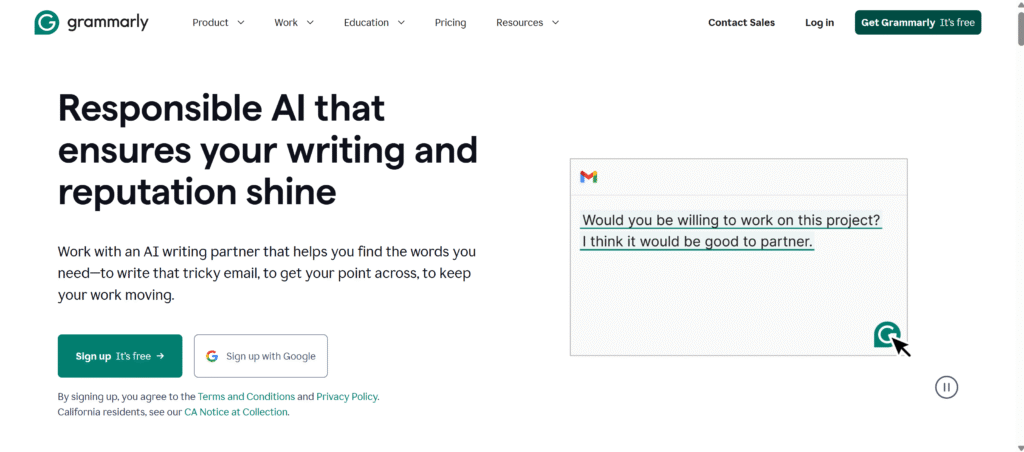
Grammarly is one of the most popular AI tools for students who want to write with confidence and clarity. Whether you’re working on an essay, a scholarship application, or a simple email to your teacher, Grammarly helps you catch grammar mistakes, awkward phrasing, and improve the tone of your writing in real time.
One of the best features for students is the tone detector, which ensures your writing sounds polite and academic. Grammarly also explains its suggestions, helping you learn better grammar instead of just fixing errors for you. It integrates with platforms like Google Docs, Microsoft Word, Gmail, and even your browser, making it a go-to writing assistant wherever you write.
Grammarly is free for basic corrections, but students looking for advanced features such as clarity suggestions, tone adjustments, and full-sentence rewrites can upgrade to a premium plan starting at $12/month. Learn more on their official site: https://www.grammarly.com. You can also watch this student-friendly tutorial: Grammarly for Students – How to Use It.
- Helps with: Grammar checks, clarity, tone improvement
- Best for: All students writing essays or emails
- Pricing: Free + Premium plans from $12/month
- Website: https://www.grammarly.com
- YouTube Video: Grammarly for Students – How to Use It
2. Notion AI – For Summarizing Notes and Organizing Ideas
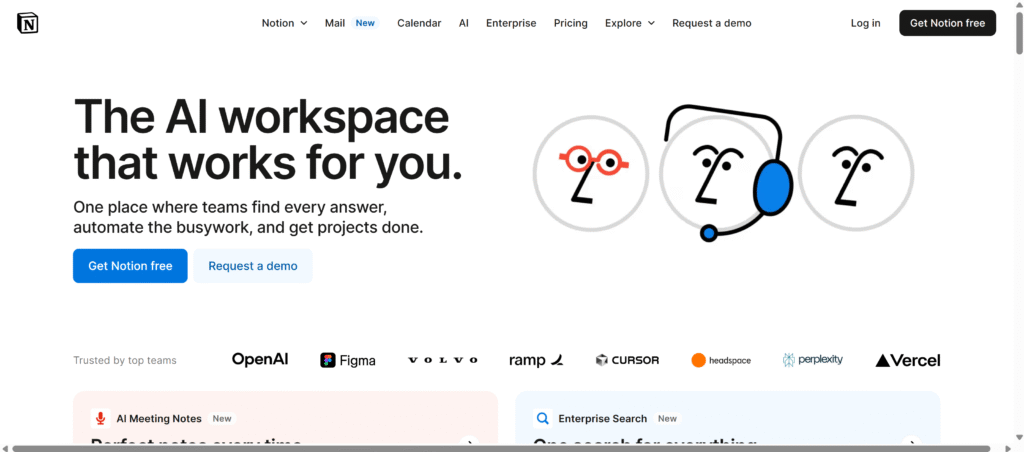
Notion AI is a powerful study companion for students who want to turn their scattered notes into structured summaries and to-do lists. It’s integrated directly into the Notion workspace, making it easy to highlight key ideas, simplify dense readings, and even brainstorm project outlines — all within the same app.
For college and high school students juggling multiple subjects, Notion AI shines by generating bullet-point summaries and organizing concepts into easy-to-study formats. It’s particularly helpful during midterms or finals when reviewing large amounts of content quickly is essential. Plus, you can ask it to convert your notes into tables, flashcards, or even mock quizzes.
Best of all, students with a school email can access Notion for free. It’s a clean, distraction-free interface that supports both individual and collaborative study. Try it yourself at https://www.notion.so and follow along with this student-friendly guide: Notion AI for Students Guide.
- Helps with: Study notes, AI summaries, project planning
- Best for: College and high school students
- Pricing: Free for students with school email
- Website: https://www.notion.so
- YouTube Video: Notion AI for Students Guide
3. QuillBot – For Ethical Paraphrasing
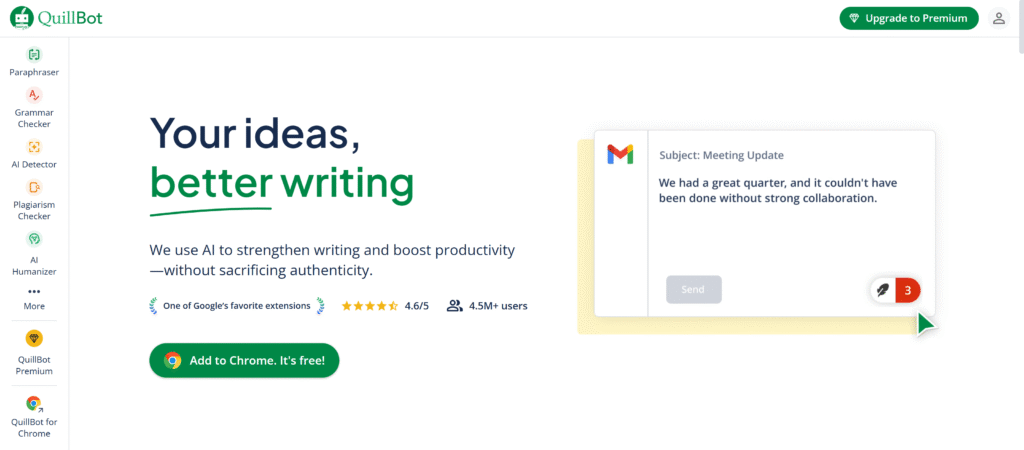
QuillBot is an AI-powered paraphrasing tool that helps students reword sentences, improve vocabulary, and strengthen their writing. It’s especially useful for ESL learners and high school students who struggle with finding the right words or avoiding repetitive phrasing. With just a few clicks, QuillBot rewrites content while preserving the original meaning — perfect for refining drafts or learning better ways to express your ideas.
The tool offers various modes like Standard, Fluency, and Formal, allowing students to adjust the tone and complexity of their writing. One key benefit is that it highlights the changes it makes, helping users understand grammar and vocabulary better rather than just blindly copying. This makes it a great support tool for learning, not just editing.
While QuillBot’s basic features are free, premium plans unlock advanced rewriting capabilities and an integrated grammar checker for $9.95/month. Explore QuillBot here: https://www.quillbot.com and watch this video walkthrough: QuillBot Paraphrasing Tutorial.
- Helps with: Rewriting sentences, vocabulary suggestions
- Best for: ESL learners, high school students
- Pricing: Free + Premium from $9.95/month
- Website: https://www.quillbot.com
- YouTube Video: QuillBot Paraphrasing Tutorial
4. ChatGPT – For Research and Study Help
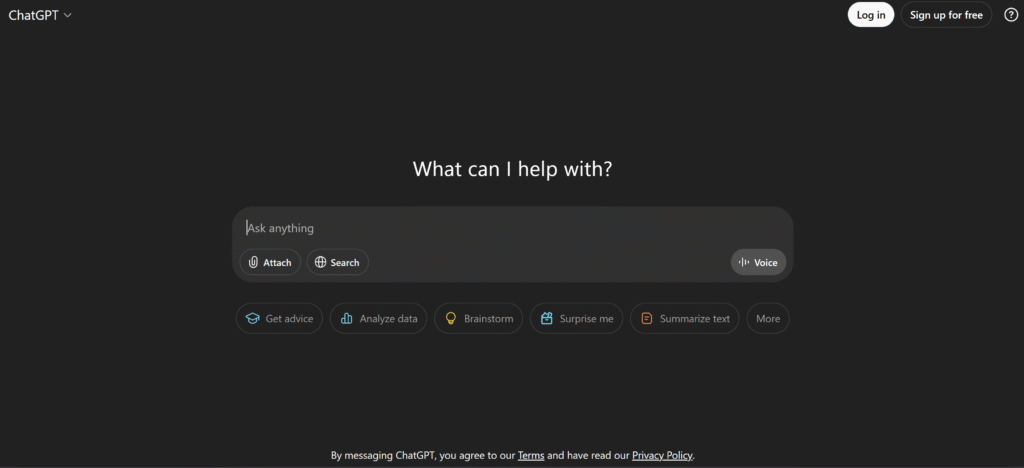
ChatGPT is an incredibly versatile tool that can help students break down complex ideas, generate new perspectives, and prepare for assignments. Rather than using it to write essays, students can interact with ChatGPT to explore topics, ask questions, and organize their thoughts. It’s like having a research assistant available 24/7.
One of its best uses is for brainstorming outlines or understanding tough subjects like history timelines, science concepts, or literary themes. By asking it for explanations, examples, or comparisons, you get the clarity you need before starting your own work. Just remember to double-check information, as AI may occasionally provide outdated or incorrect facts.
ChatGPT is free to use with an optional Pro version at $20/month for faster responses and extra features. You can try it at https://chat.openai.com and learn how to use it ethically with this video: How Students Can Use ChatGPT Ethically.
- Helps with: Brainstorming, idea generation, understanding topics
- Best for: College students and curious learners
- Pricing: Free + Pro at $20/month
- Website: https://chat.openai.com
- YouTube Video: How Students Can Use ChatGPT Ethically
5. Wolfram Alpha – For Math and Science Solutions
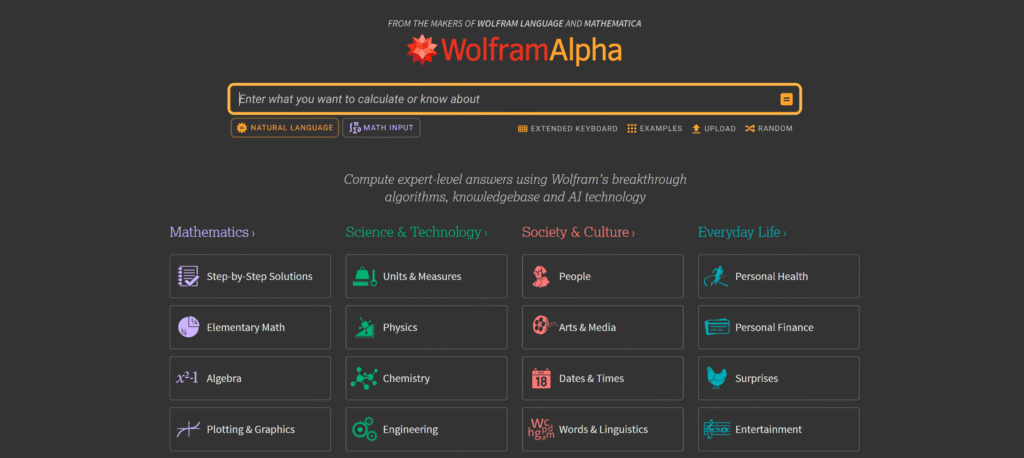
Wolfram Alpha is a powerful computational engine that helps students solve complex math and science problems. Unlike a regular search engine, it doesn’t just give you answers — it breaks down step-by-step solutions, which is especially helpful for understanding how formulas and equations work. Whether you’re tackling algebra, calculus, physics, or chemistry, Wolfram Alpha gives you a deeper understanding of the problem.
This tool is ideal for high school and college STEM students who need accurate calculations, graphs, or scientific explanations. You can input equations, ask natural-language questions, or explore built-in educational widgets. It’s like having a tutor that explains both the what and the why behind each solution.
Wolfram Alpha offers a free basic version with access to most functions, while the Pro version (from $5/month) adds features like step-by-step solutions, detailed graphs, and extended data. Try it here: https://www.wolframalpha.com and watch how it works in this tutorial: Wolfram Alpha Explained for Students.
- Helps with: Step-by-step math explanations, scientific data
- Best for: High school & college STEM students
- Pricing: Free + Pro from $5/month
- Website: https://www.wolframalpha.com
- YouTube Video: Wolfram Alpha Explained for Students
6. Otter.ai – For Transcribing Lectures
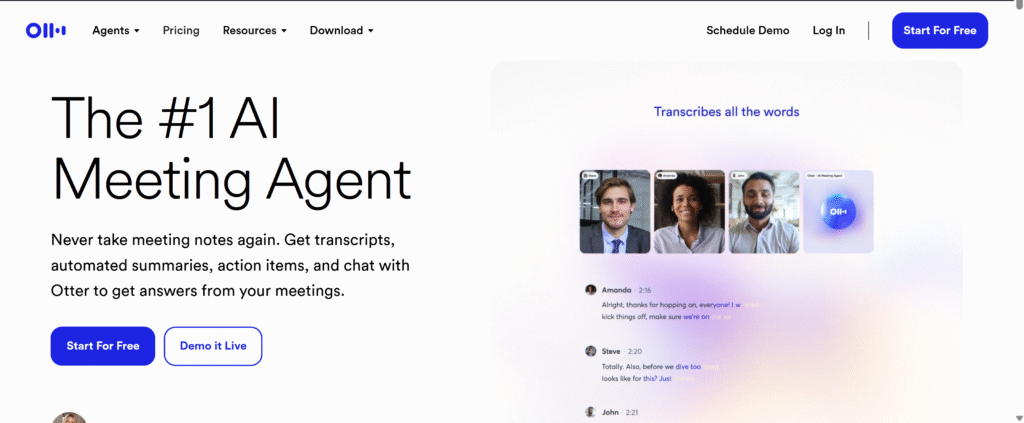
Otter.ai is a must-have AI tool for students who attend long lectures or struggle with fast-paced note-taking. It automatically transcribes spoken content in real time, allowing you to focus on listening and understanding rather than scrambling to write everything down. This makes it especially helpful for ESL learners and students with learning differences.
Once the lecture is over, you can highlight key sections, add your own notes, and search the transcript by keyword — all within the Otter interface. It’s a huge time-saver when reviewing materials for exams, writing summaries, or collaborating on group assignments.
Otter offers a free basic plan with access to essential features, while premium upgrades (from $8.33/month) unlock longer transcription time, advanced playback, and more. Try it here: https://otter.ai and check out this tutorial to see how it works: Otter.ai for Class Notes.
- Helps with: Real-time lecture transcription, note-taking
- Best for: Students attending long lectures or ESL learners
- Pricing: Free + Pro from $8.33/month
- Website: https://otter.ai
- YouTube Video: Otter.ai for Class Notes
7. Todoist + AI Assist – For Time & Task Management
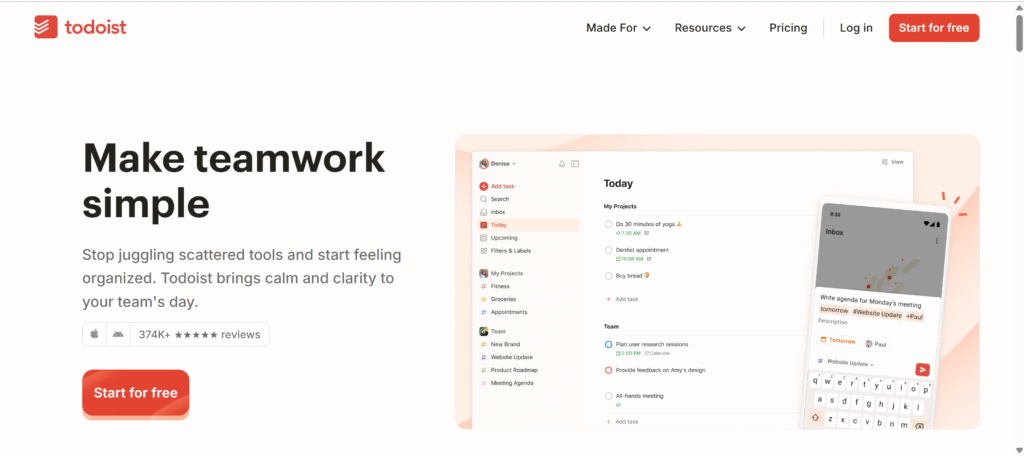
Todoist with AI Assist is a game-changer for students who struggle with time management, especially those balancing multiple subjects or dealing with ADHD. The app helps break large assignments into smaller, manageable tasks and sets up deadlines to keep you on track. With AI Assist, it can even suggest how to prioritize tasks based on urgency and workload.
Students can use Todoist to organize their day, plan out study sessions, and stay ahead of deadlines. It’s particularly helpful during busy exam seasons or group project weeks when forgetting just one step can throw off your entire schedule. The clean interface and mobile app make it easy to check your list anywhere, anytime.
Todoist offers a generous free plan and premium features starting at just $5/month, including recurring tasks, reminders, and AI-powered productivity insights. Learn more at https://www.todoist.com and watch this student-focused guide: Using Todoist for School Productivity.
- Helps with: Planning assignments, setting reminders, breaking tasks
- Best for: Busy or ADHD students
- Pricing: Free + Premium from $5/month
- Website: https://www.todoist.com
- YouTube Video: Using Todoist for School Productivity
How to Use These Tools Without Getting in Trouble
- ✅ Be transparent: Let your teacher know if you’re using tools like ChatGPT for brainstorming.
- ✅ Always paraphrase and cite if needed.
- ✅ Don’t copy-paste answers from AI tools.
- ✅ Use AI to support your thinking, not replace it.
Think of AI like a calculator: It helps, but you still need to understand the problem.
Real-Life Study Hacks Using AI Tools
📌 Hack #1: Summarize Lectures with Otter.ai
Record your class and get a full transcript. Highlight key points later.
📌 Hack #2: Make Flashcards with Notion AI
Ask Notion to generate questions from your notes. Use them as digital flashcards.
📌 Hack #3: Organize Assignments with Todoist
Set deadlines for every subject. Break down your study sessions by task.
📌 Hack #4: Improve Essays with Grammarly
Check tone, clarity, and structure before submitting your final draft.
FAQs: AI Tools for Students
Can students use ChatGPT without getting in trouble?
Yes, if used ethically — like for brainstorming, explanations, or study help (not for submitting full essays).
Is QuillBot considered cheating?
No, if you use it to learn better phrasing or improve writing. Don’t use it to rewrite an entire article and submit it as your own.
What’s the best AI for study notes?
Notion AI is perfect for summarizing notes, organizing topics, and reviewing for tests.
How do I explain using AI to my teacher?
Just be honest. Say you used it for support — like checking grammar, summarizing notes, or brainstorming ideas.
Can I use these tools for free?
Yes! Most tools like Grammarly, QuillBot, ChatGPT, and Otter.ai offer free versions.
Use AI Tools the Smart & Honest Way
AI won’t make you smarter — but how you use it can.
With the right tools and responsible use, AI tools for students can help you stay ahead in school, reduce stress, and become a better learner.
✅ Try one tool this week. ✅ Use it ethically. ✅ Watch your grades go up!
Your article helped me a lot, is there any more related content? Thanks!
Thanks for sharing. I read many of your blog posts, cool, your blog is very good.
Thank you for your sharing. I am worried that I lack creative ideas. It is your article that makes me full of hope. Thank you. But, I have a question, can you help me?